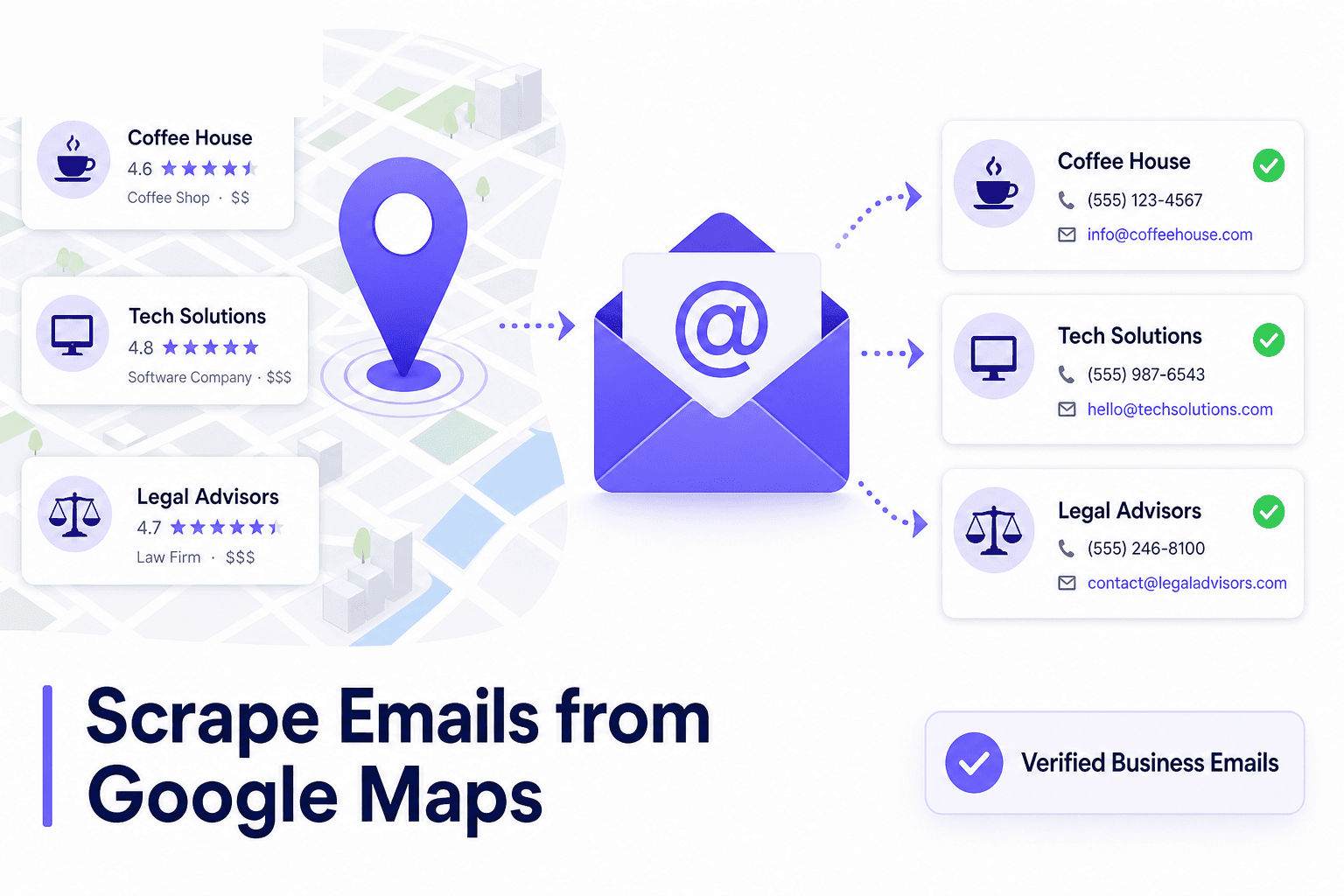
If you searched scrape emails from Google Maps, you probably want one thing: a spreadsheet of local businesses with email addresses you can pitch today. Web designers, agencies, and B2B freelancers use that list to sell websites, SEO, ads, and software.
The problem is that Google Maps was built for consumers, not exporters. Listings often show a phone number and website, not a ready-to-use inbox. Blind scraping wastes hours, breaks often, and still leaves you with half-empty rows.
This guide walks through the honest options: manual research, scraper scripts, and a purpose-built workflow with LeadLu that finds Maps businesses, pulls contact details, and launches outreach without a dozen tabs open.
Related guides
Why people scrape emails from Google Maps
Google Maps indexes millions of verified local businesses with categories, ratings, addresses, and often direct contact paths. For outbound teams, that beats buying stale B2B databases because the businesses are real, active, and geographically targetable.
- Web designers pitch sites to businesses with no website or an outdated one
- Marketing agencies target categories with weak online presence
- SaaS and IT providers sell tools to local operators who still run on phone calls
- Freelancers build a repeatable city + niche pipeline instead of relying on referrals
Email is still the default outreach channel: scalable, easy to personalize, and easy to track. That is why Google Maps email scraping is such a common search, even when the better question is: how do I get outreach-ready contacts from Maps, email or not?
Reality check: what you actually get from Google Maps
Not every listing includes an email on the profile. In many categories (plumbers, cleaners, restaurants, salons), you will see:
- Business name and address
- Phone number
- Website link (sometimes missing)
- Ratings and review count
- Occasionally a public email field
So a pure Google Maps email scraper that only reads the listing page will miss a large share of your market. The complete workflow is: find on Maps → enrich from website or public sources → fall back to phone/SMS when email is missing.
Rule of thumb: expect 20–40% of local service listings to have a discoverable email without enrichment. With website lookup and filtering, you can still build a strong pipeline because phone-only businesses are often the highest-intent prospects for web services.
The manual method (and why it breaks)
The DIY approach most people try before searching for a scraper:
- Search Google Maps for a keyword + city (e.g. "dentist Austin TX")
- Open each listing in a new tab
- Check for website → visit contact page → copy email
- Paste into Google Sheets
- Repeat for the next business
It works for 10 leads. It falls apart at 100. You lose half a day, duplicate entries, mix up cities, and still have no way to send follow-ups or track replies. If you have been through this, our guide to finding businesses without websites describes the same pain in more detail.
Google Maps email scrapers: what to watch for
Plenty of tools and scripts promise to extract emails from Google Maps in bulk. Before you use one, understand the tradeoffs:
1. Terms of Service
Automated scraping of Google Maps may violate Google's Terms of Service. Accounts, API keys, or IP ranges can be throttled or blocked. Data access through purpose-built lead tools is usually a safer operational bet than raw scraping scripts.
2. Incomplete data
Scrapers that only parse the Maps card often export phone numbers without emails. You still need a second enrichment step.
3. Stale or wrong emails
Guessed patterns (info@business.com) inflate your list but hurt deliverability. Bounces damage domain reputation and waste sequence slots.
4. No outreach layer
A CSV is not a pipeline. You still need sequences, reply tracking, and status per lead. That is where an integrated tool saves more time than the scrape itself.
A better workflow: find, enrich, outreach with LeadLu
LeadLu is built for local prospecting from Google Maps without the copy-paste grind. Instead of a fragile scraper, you get a workspace that:
- Searches by category, city, and rating
- Surfaces phone, website, and email when available
- Filters for businesses without websites (high intent for web services)
- Lets you save leads to a follow-up list in one click
- Runs email and SMS sequences with reply tracking
Think of it as: Maps prospecting + contact enrichment + outreach in one place, starting at $9/mo with a 1-day free trial. For a full Maps prospecting playbook, see how to find B2B leads on Google Maps.
Step-by-step: get emails from Google Maps in minutes
Step 1 — Define niche and city
Pick one category and one metro to start. Examples: cleaning services in Houston, dental clinics in Phoenix, shops in Austin. Narrow focus beats a giant mixed export every time.
Step 2 — Run an Instant Leads search in LeadLu
In LeadLu, open Instant Leads, enter your keyword and location, set a minimum rating if you want higher-quality targets, and run the search. Results include business name, address, phone, website, and email when LeadLu finds it.
Step 3 — Filter for opportunity
Sort or filter for listings without a website if you sell web design or SEO. Those businesses are easier to pitch and often have fewer competing agencies emailing them.
Step 4 — Save to a follow-up list
Select the rows you want and save them to a list. LeadLu keeps phone and email together so you are not maintaining a separate spreadsheet.
Step 5 — Launch email or SMS outreach
Use a short personalized sequence. Reference their category, city, or missing website. LeadLu sends follow-ups automatically and shows replies in your Outreach Tracker so warm leads do not go cold.
Step 6 — Automate with a Lead Campaign (optional)
When a niche works, save the search as a Lead Campaign. LeadLu re-scans on a schedule and surfaces new businesses so your pipeline refills while you work on delivery.
What to do when a Maps listing has no email
This is normal. Do not drop the lead. In LeadLu you can:
- Call using the phone number on the listing
- Send SMS with a short intro (Growth plan and above)
- Check the website linked from Maps for a contact page email
- Prioritize no-website businesses — they often need the most help and convert well for web services
A list that is 60% phone-only but well targeted often outperforms a list of 100% guessed emails with 30% bounce rate.
Compliance basics (read this before you hit send)
Public business contact info is commonly used for B2B outreach, but you are still responsible for compliance:
- US (CAN-SPAM): identify yourself, include a physical address, and honor opt-outs promptly
- EU (GDPR): have a lawful basis for processing; B2B outreach rules vary by country — know your market
- SMS (TCPA): stricter rules for text; get consent where required
- Never buy scraped personal inboxes or use purchased lists marked as "Google Maps emails"
Send relevant, low-volume, personalized messages to businesses that plausibly need your service. That is both better ethics and better deliverability.
Manual vs scraper vs LeadLu
| Approach | Time for 50 leads | Email coverage | Outreach built in |
|---|---|---|---|
| Manual copy-paste | 3–4 hours | Medium | No |
| Maps email scraper | 30–60 min setup + fixes | Low–medium | No |
| LeadLu | Minutes | Medium + phone fallback | Yes (email + SMS) |
Frequently asked questions
Can you scrape emails from Google Maps for free?
You can manually copy some emails for free, but it does not scale. Free scrapers often break, cap results, or export incomplete rows. LeadLu offers a 1-day free trial to test the full search → list → outreach workflow before you commit.
Does Google Maps show business emails?
Sometimes. Many listings emphasize phone and website instead. That is why enrichment and multi-channel outreach (email + SMS + phone) matter.
Is LeadLu better than Apollo for local Maps emails?
Apollo is strong for US corporate contacts. For local businesses discovered on Google Maps, LeadLu is usually a better fit. See our Apollo.io alternatives comparison for pricing and use cases.
How many emails can I send?
LeadLu plans include monthly email and SMS limits. Starter includes email outreach; Growth adds SMS. Check the pricing page for current caps.
Conclusion
If you want to scrape emails from Google Maps, skip the brittle scripts and spreadsheets. Maps is a discovery layer, not a perfect email database. The winning system is: targeted search, honest enrichment, phone/SMS fallback, and automated follow-up.
LeadLu handles that pipeline end to end: find local businesses, pull contact details, save lists, and run sequences until someone replies. Start with one city and one niche today — most users have outreach live in under 30 minutes.